
uni-app 渲染自定义页面
uni-app手机端渲染自定义页面
后端定义好页面类型后,即可在uni-app中创建一个页面,渲染自定义组件。例如:商城插件的首页
文件位置:uni-app/src/addon/shop/pages/index.vue
商城插件的自定义首页代码截图参考 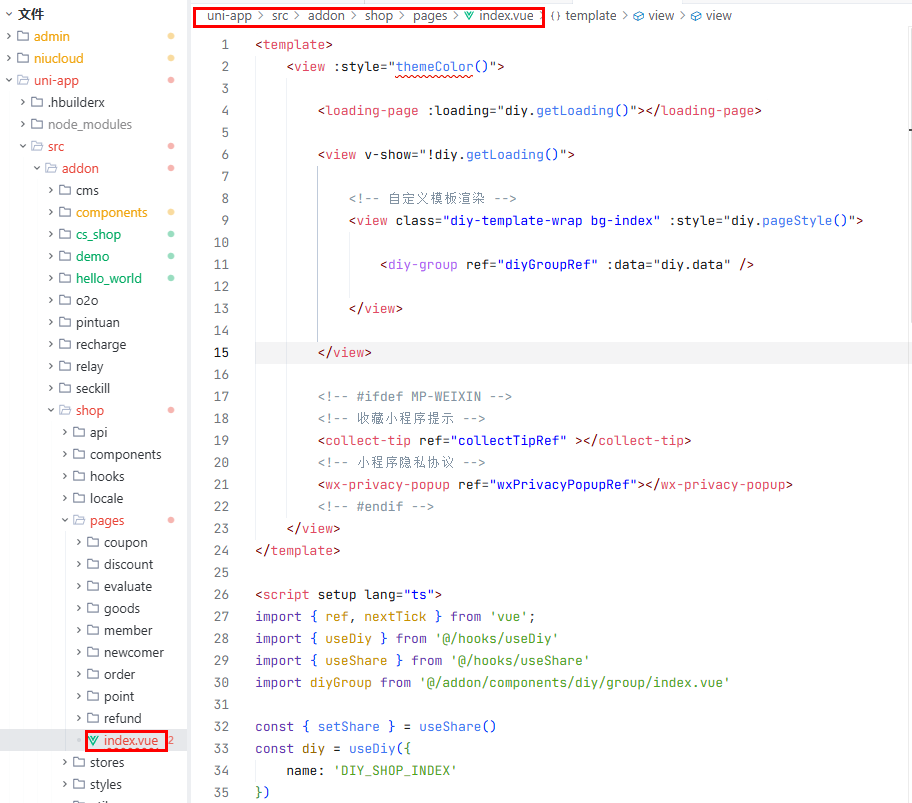
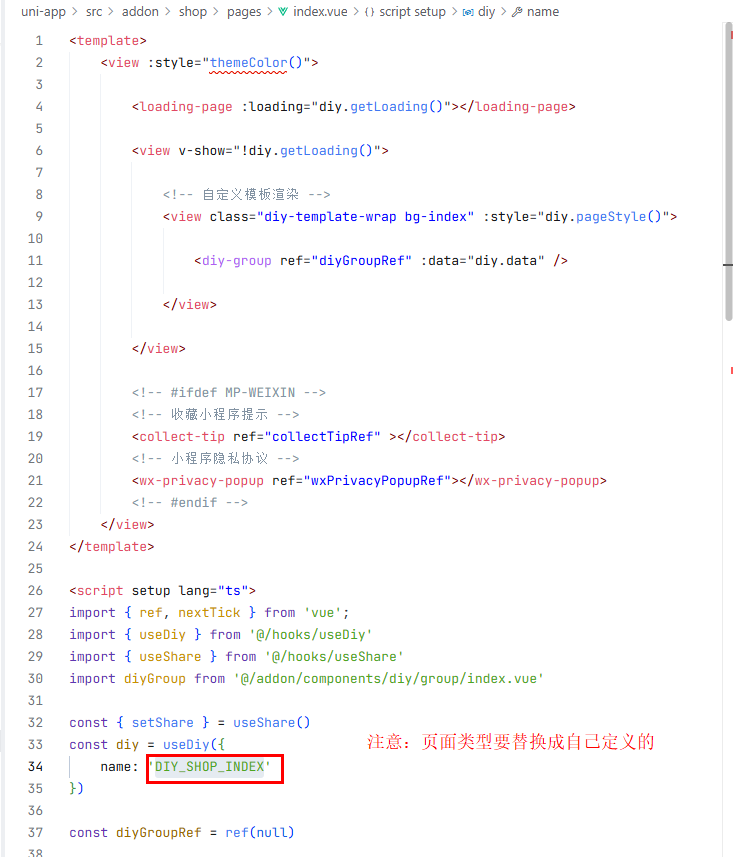 关键代码
关键代码
vue
<template>
    <view :style="themeColor()">

        <loading-page :loading="diy.getLoading()"></loading-page>

        <view v-show="!diy.getLoading()">

            <!-- 自定义模板渲染 -->
            <view class="diy-template-wrap bg-index" :style="diy.pageStyle()">

                <diy-group ref="diyGroupRef" :data="diy.data" />

            </view>

        </view>

        <!-- #ifdef MP-WEIXIN -->
        <!-- 收藏小程序提示 -->
        <collect-tip ref="collectTipRef" ></collect-tip>
        <!-- 小程序隐私协议 -->
        <wx-privacy-popup ref="wxPrivacyPopupRef"></wx-privacy-popup>
        <!-- #endif -->
    </view>
</template>

<script setup lang="ts">
import { ref, nextTick } from 'vue';
import { useDiy } from '@/hooks/useDiy'
import { useShare } from '@/hooks/useShare'
import diyGroup from '@/addon/components/diy/group/index.vue'

const { setShare } = useShare()
const diy = useDiy({
    name: 'DIY_SHOP_INDEX'
})

const diyGroupRef = ref(null)

const wxPrivacyPopupRef: any = ref(null)
const collectTipRef: any = ref(null)
// 监听页面加载
diy.onLoad();

// 监听页面显示
diy.onShow((data: any) => {
    let share = data.share ? JSON.parse(data.share) : null;
    setShare(share);
    diyGroupRef.value?.refresh();

    // #ifdef MP
    nextTick(() => {
        if (wxPrivacyPopupRef.value) wxPrivacyPopupRef.value.proactive();
        if (collectTipRef.value) collectTipRef.value.show();
    })
    // #endif
});

// 监听页面隐藏
diy.onHide();

// 监听页面卸载
diy.onUnload();

// 监听滚动事件
diy.onPageScroll()
</script>
<style lang="scss" scoped>
@import '@/styles/diy.scss';
</style>
<style lang="scss">
.diy-template-wrap {
    /* #ifdef MP */
    .child-diy-template-wrap {
        ::v-deep .diy-group {
            > .draggable-element.top-fixed-diy {
                display: block !important;
            }
        }
    }

    /* #endif */
}
</style>